If you already use WeChat, you can sign in to your existing account instead of creating a new one.
03 — Activate Weixin Pay
Open WeChat and follow the instructions to activate Weixin Pay. You may be asked to complete additional verification depending on your account and current requirements.
04 — Add Your International Bank Card
Open the payment or wallet section in WeChat and follow the instructions to add an eligible international bank card.
Supported card networks may include Visa, Mastercard, American Express, JCB, Discover and Diners Club International. Availability can depend on your card and issuing bank.
05 — Complete Security & Verification
Complete any security or verification steps requested by Weixin Pay before making your first payment.
Good to know:
Requirements may vary. Always follow the latest instructions shown in WeChat.
How to Pay with Weixin Pay
01 — Show Your Payment Code
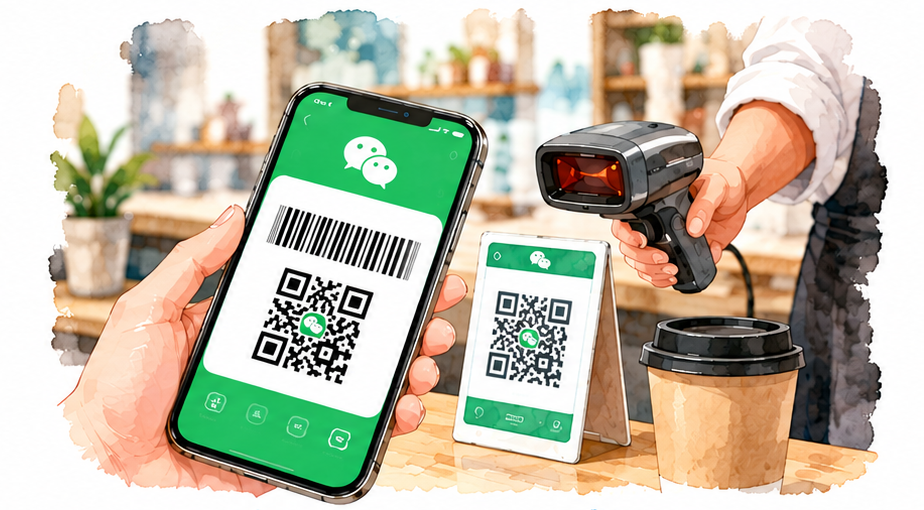
Open WeChat and select Weixin Pay / Pay to display your payment QR code or barcode. Let the merchant scan your code to complete the payment.
02 — Scan the Merchant’s QR Code
Open WeChat and select Scan. Scan the merchant’s QR code and follow the instructions to complete the payment.
Tip: Always check the payment amount before confirming the transaction.
What Can You Use Weixin Pay For?
01 — Shopping
Pay at participating shops, convenience stores and other merchants that accept Weixin Pay.
02 — Restaurants & Cafés
Use Weixin Pay at participating restaurants, cafés and other food-service businesses.
03 — Transportation
Some public transportation services and local transport options support Weixin Pay.
04 — Ride-Hailing
Some ride-hailing services can be accessed through WeChat.
05 — Attractions & Tickets
Some attractions and ticketing services support Weixin Pay payments.
06 — Travel-Related Services
Depending on the city and service provider, Weixin Pay may also be available for other travel-related services.
Good to know: Available services can vary by city, merchant and service provider. Check the payment options when needed.
Weixin Pay Fees & Limits
Fees and transaction limits may depend on your payment method, account and current Weixin Pay rules. Always check the payment page before confirming a transaction.
01 — Platform Service Fee
Transactions of RMB 200 or less are generally exempt from the platform service fee.
A transaction above RMB 200 may incur a 3% service fee on the full transaction amount.
Your applicable fees and limits may differ. Check the payment page in Weixin Pay before confirming your payment. Your card issuer may also apply its own foreign transaction fees or exchange rates.
What If Your Weixin Pay Payment Fails?
01 — Check Your Card
Your card may not be eligible for linking or payment. Check whether your card network and issuing bank are supported.
02 — Check Your Information
Make sure the information you provided is accurate and complete any verification requested by Weixin Pay.
03 — Check With Your Bank
Your bank may decline a transaction because of security checks, verification requirements or card settings. Contact your card-issuing bank if necessary.
04 — Check Your Internet Connection
Make sure your phone has a stable internet connection and try the payment again if necessary.
05 — Follow Weixin Pay’s Instructions
If Weixin Pay asks you to complete additional verification or security steps, follow the instructions shown in the app.
06 — Still Not Working?
Contact Weixin Pay customer support or your card-issuing bank for further assistance.
Have a Backup Payment Method
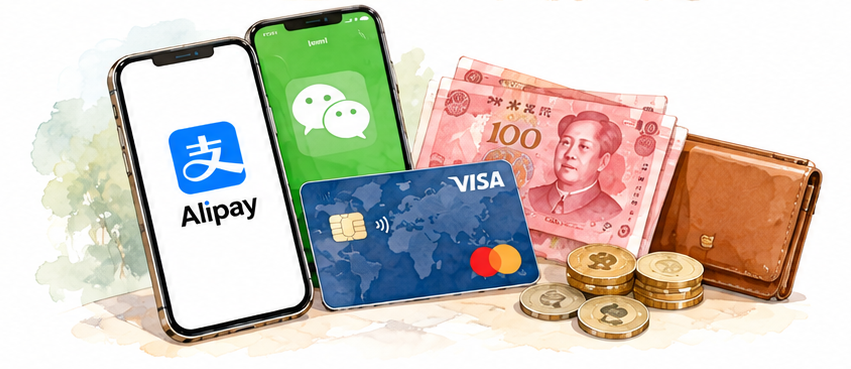
We recommend preparing at least two payment options before traveling:
Alipay
International card
RMB cash
Before You Travel: Weixin Pay Checklist
☐ Download WeChat Install or update the official WeChat app before your trip.
☐ Create or Sign In to Your Account Make sure you can access your WeChat account.
☐ Activate Weixin Pay Follow the latest instructions shown in the app.
☐ Add Your International Bank Card Check that your card is eligible and complete any required verification.
☐ Test Your Payment Setup Make sure your payment setup is ready before you travel.
☐ Prepare a Backup Payment Method Consider Alipay, an international card, or RMB cash as backup options.
Payment rules and app features may change. Always check the latest information in the official app and official sources before traveling.
Don’t Wait Until You Arrive
Setting up your payment options before departure can save time and reduce payment problems during your trip.
Plan Your Trip with Knowliya
We’ve prepared detailed travel planning guides to help you prepare for your trip with less research and more confidence.